YouTube Thumbnail Compressor
Compress up to 10 JPEG, PNG, or WebP thumbnails locally. Compare each result and download images individually or together as a ZIP.
Workbench Controls
Up to 10 images · 20 MB each · 50 MB total. Selected files replace the current batch. Sample buttons load one image.
Choose one image or a batch to begin.
Images are processed sequentially in your browser without uploads or saved batches. Reset or leave to clear them. Completed outputs are capped at 60 MB total.
Output & Inspection
Batch results
The ZIP includes completed outputs only, even when a size target was missed. Unique numbered filenames prevent collisions.
Compress your images, then select a completed image to compare the original and output and download it individually.
Before and After Inspection
A fictional example processed with this tool. Your image and settings will produce different results.
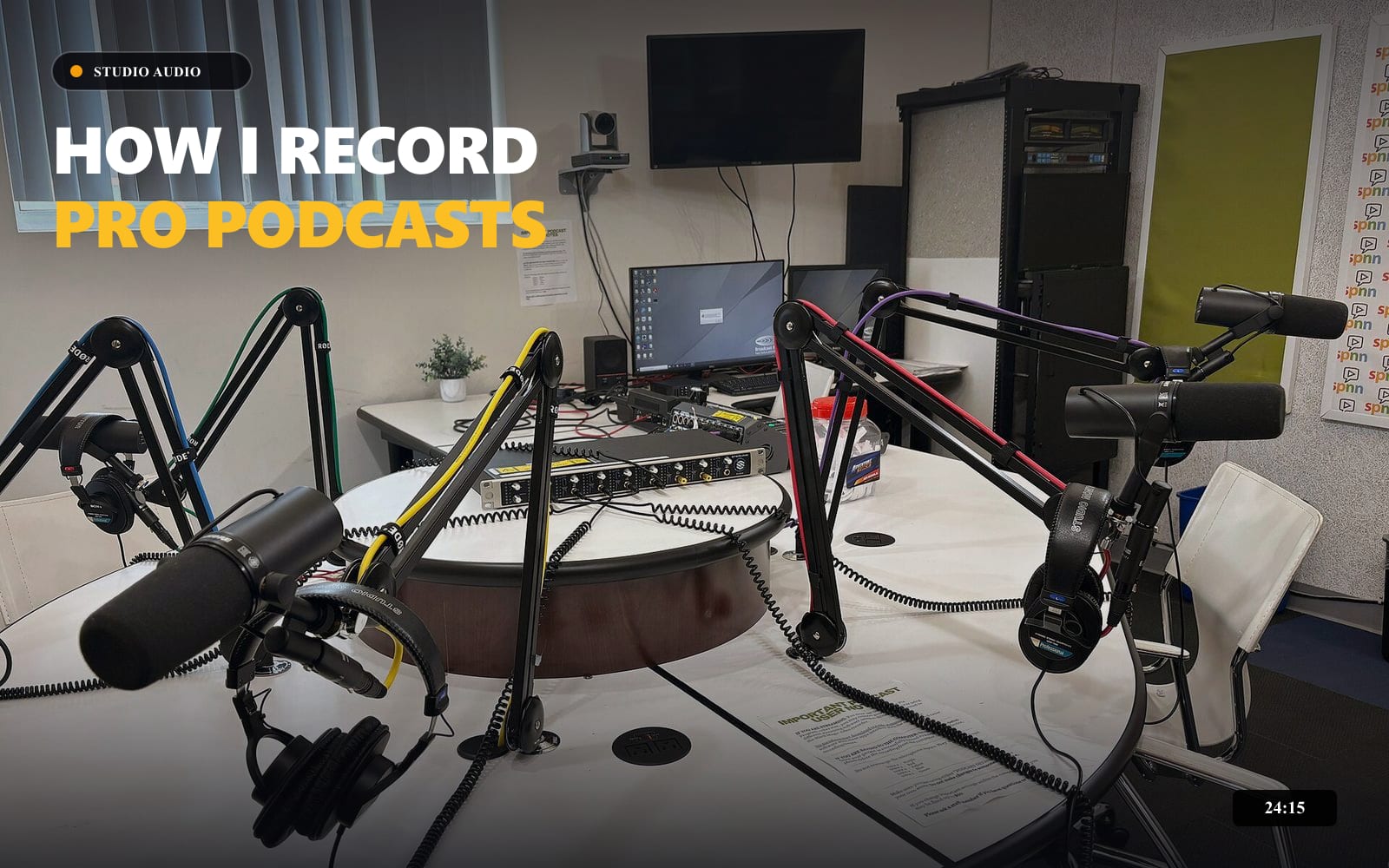
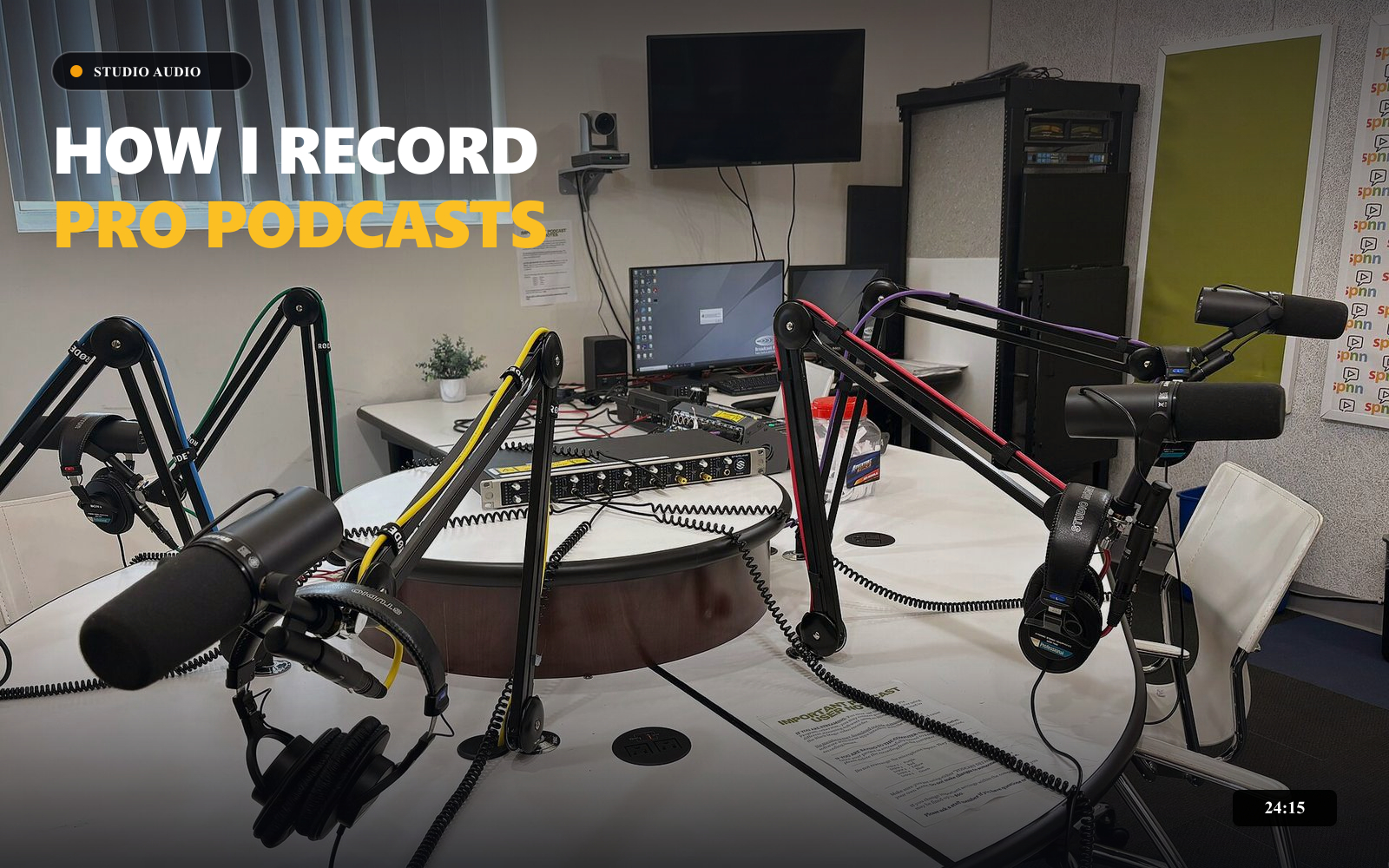
Same 1600 × 1000 dimensions. JPEG, 2,000 KB target, maximum quality 90%. File sizes below are measured from these example files; results vary by image and browser.
How to use this tool
Standard workflow recommendations for consistent publish quality
- STEP // 01
Select your image
Select 1–10 still JPEG, PNG, or WebP thumbnails, up to 20 MB each and 50 MB total. Files are processed one at a time.
- STEP // 02
Choose a size target
Set the size target per image and a shared output format. Advanced settings limit JPEG or WebP quality.
- STEP // 03
Compare and download
Compress the batch, review each completed output, and download individually or as a ZIP. Failed or cancelled files are excluded from the ZIP.
About YouTube Thumbnail Compressor
Every image uses the same target, format, and maximum quality settings. Changing settings or selecting a replacement batch clears previous outputs so you cannot download results from stale settings. Removing an individual image keeps the other completed results.
Dimensions are preserved. Re-encoding can change colors or remove embedded metadata. If the original is retained, its metadata is retained too. Samples load one image; upload multiple files to test a batch.
Check YouTube’s current thumbnail guidance before uploading.
Frequently Asked Questions
Related Creator Tools
Complementary utilities for your YouTube pre-publish checklist
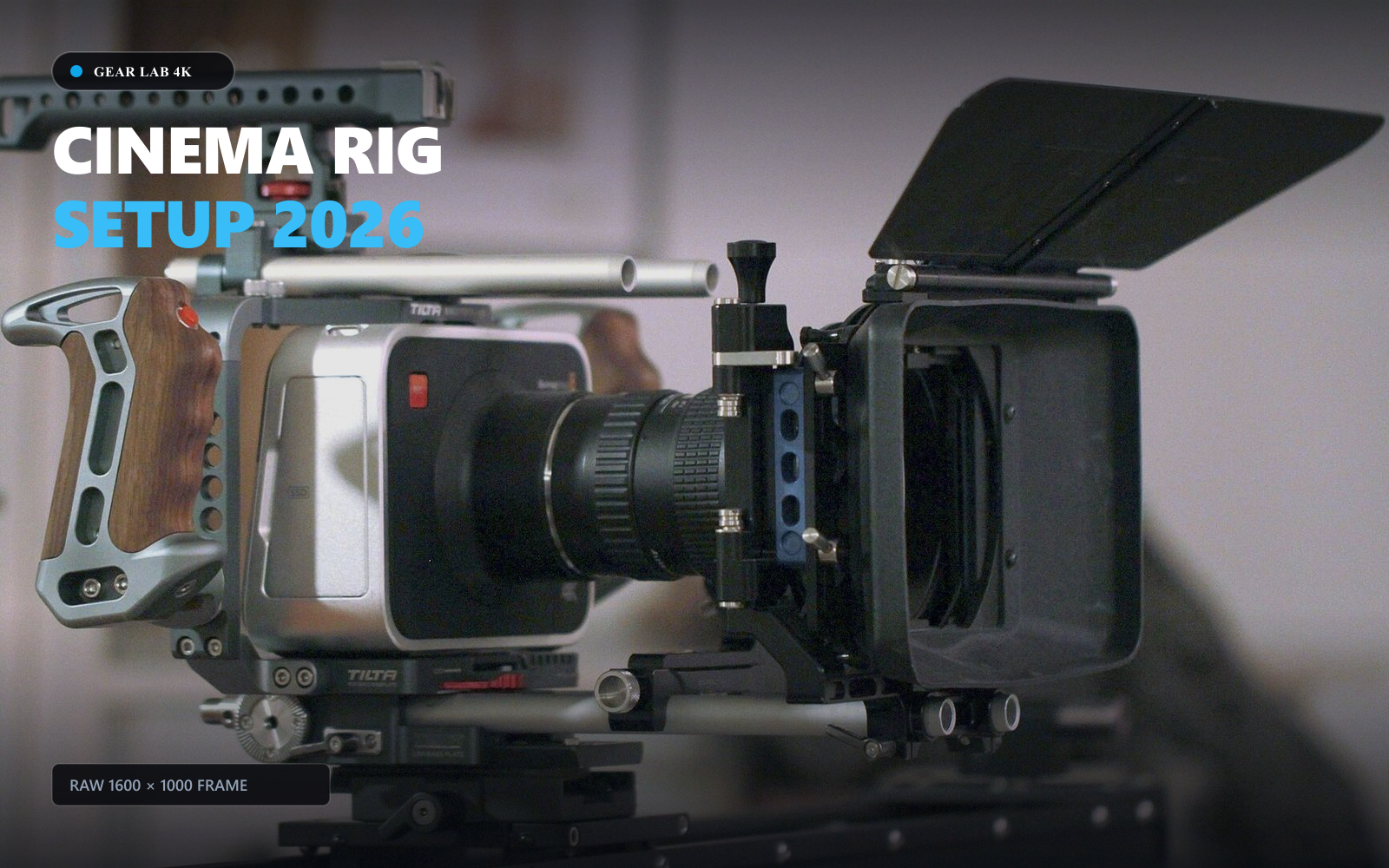
YouTube Thumbnail Resizer
Resize thumbnails, channel banners, profile pictures and watermark assets locally, with framing guides, custom dimensions and image downloads.
How I Automated My Workflow...
 TechCreator • 120K views
YouTube Title Checker & Analyzer
Check title length, punctuation, whitespace, and topic phrase placement with an illustrative wrapping preview.

Logo Background Remover
Remove a solid-color background from your existing logo locally. Compare before and after, then download a transparent PNG.